One key. Everything private. Nothing stops.
Privvy is not a screensaver and not a lock screen. It is a cover that blocks people while your machine keeps working.
Press Ctrl + G
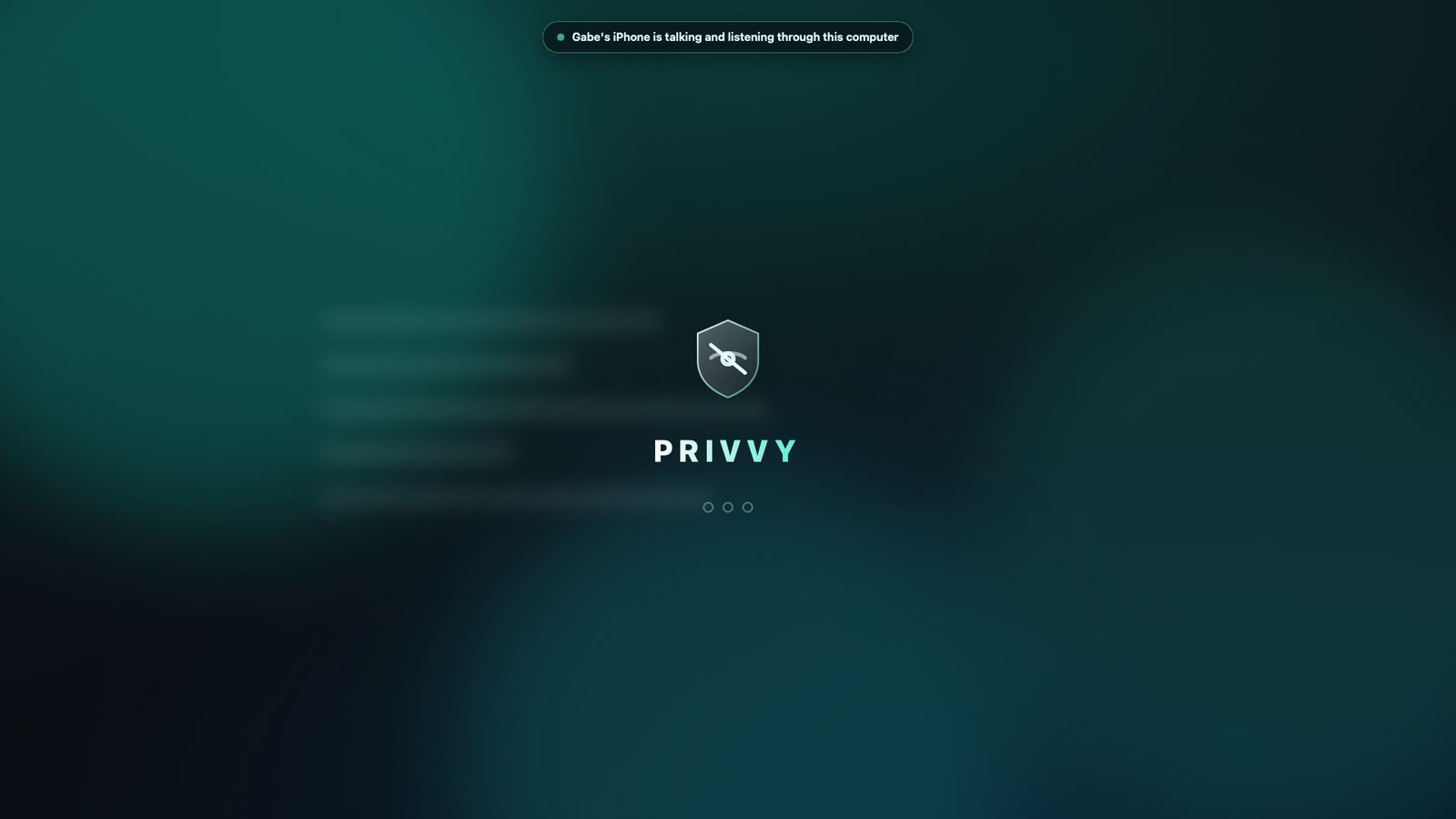
Or tap the tray icon, or let it happen by itself when you step away. An opaque cover drops over all your monitors at once, any size, any resolution.
People see nothing
The cover shows only the Privvy shield. The physical keyboard and mouse do nothing, the pointer does not move, and the Windows key, Alt+Tab and friends are blocked.
Your work keeps running
Nothing is paused. Terminals, builds, downloads, and AI agents keep going. Type your short password on the cover to lift it.
Built for the AI era
Your agents do not need the screen. People do not need to see it.
Agents pass through the cover
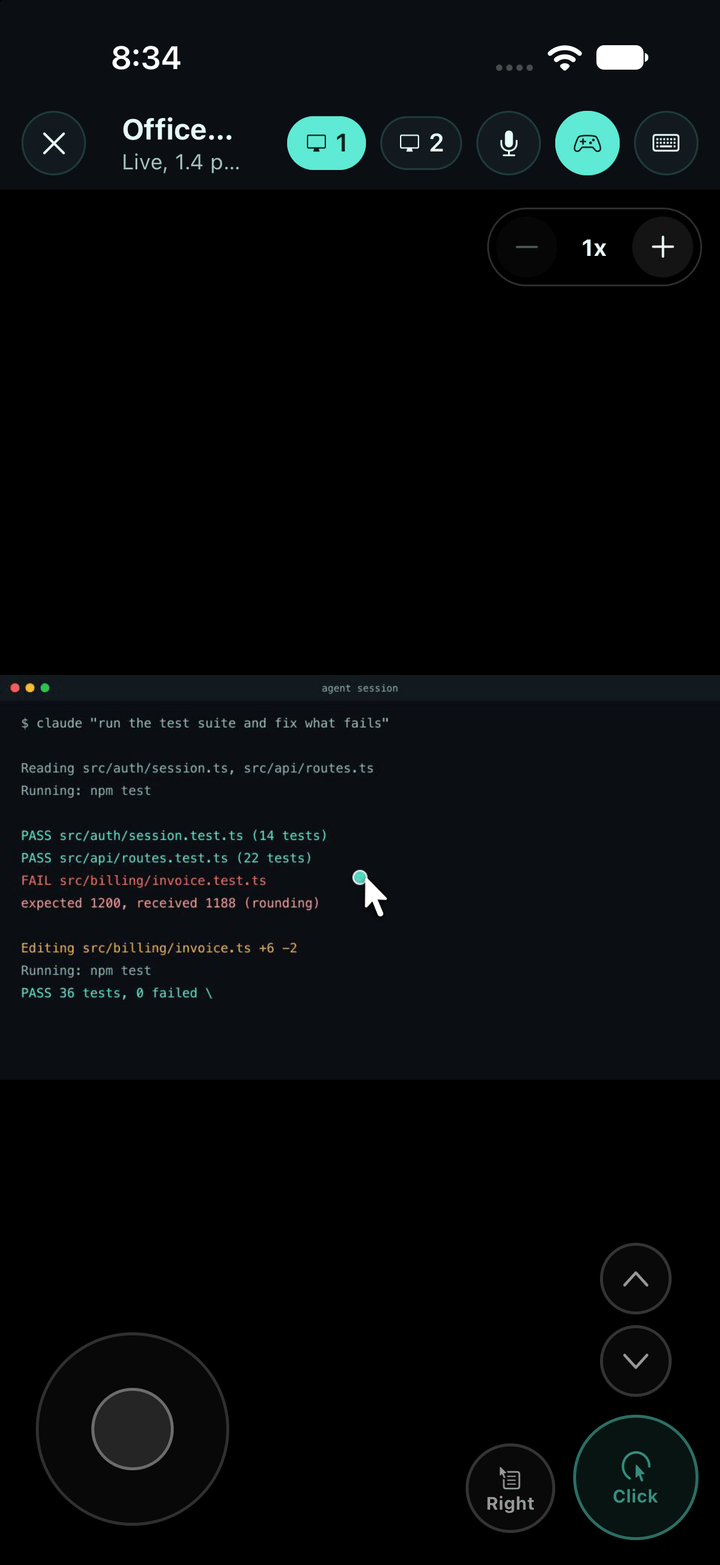
Privvy tells a person's keyboard and mouse apart from an agent's. Claude Code, browser automation and computer-use agents keep clicking and typing while a human is locked out.
Screenshot agents see the desktop
The cover is invisible to screen capture, so an agent that works from screenshots sees the real screen. A person at the monitor sees only the cover. Both are switches in Settings.
Local agent API
A tiny localhost API with a unique key per install. Your agent can hide the screen before a long run, check status, and lift the cover when it is done.
Never covers a movie
Auto-locks after you are idle, but never while audio is playing. Netflix, YouTube and calls stay up.
Your phone is the remote.
- See the screen live behind the cover, about twice a second, with pinch-free zoom up to 4x.
- Control it: tap to click, drag, scroll, type with a key bar, or switch on the game-style joystick for precise pointer moves.
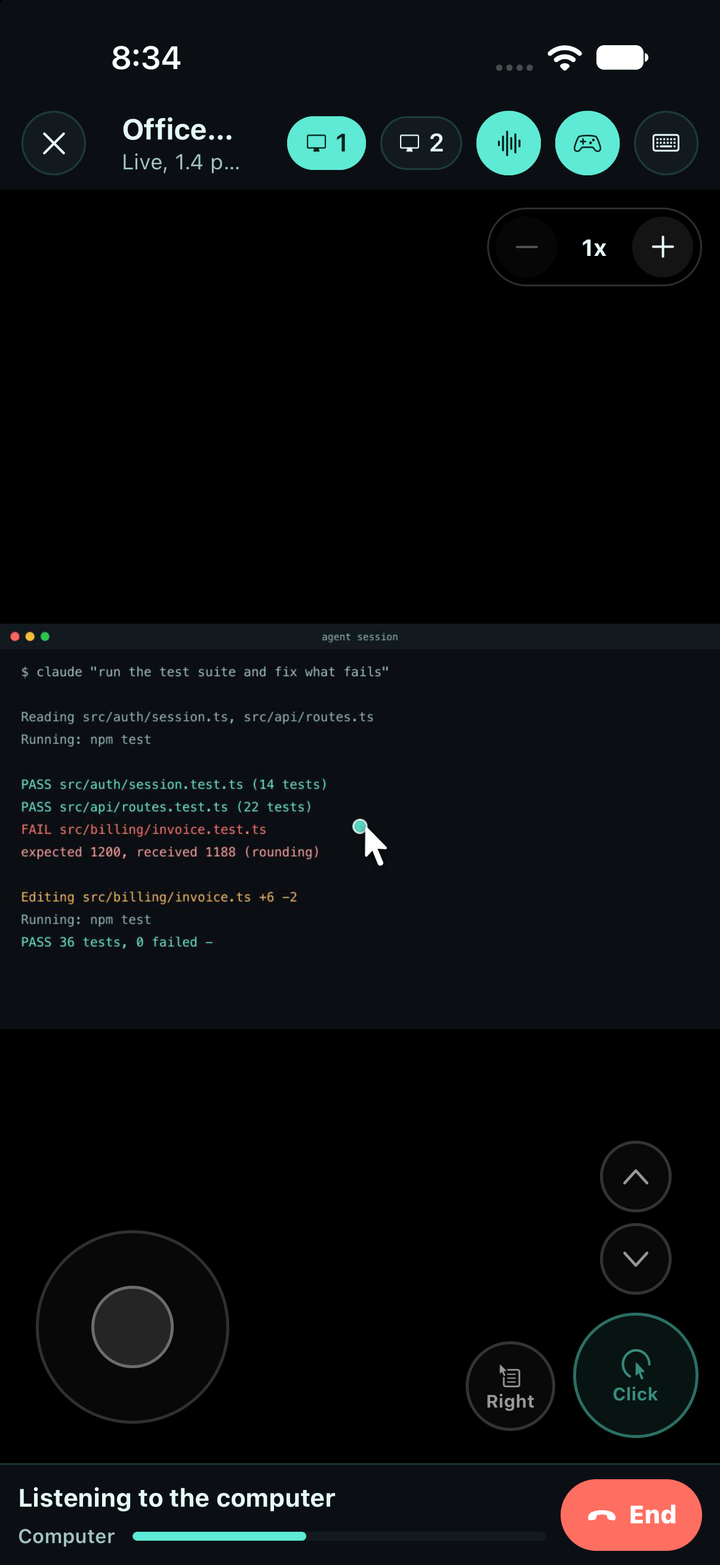
- Talk through the speakers. The computer's volume turns itself up while you talk and goes back when you end.
- Listen through the microphone, one way or two way, like a call. The cover shows a notice the whole time, so nobody there is listened to without knowing.
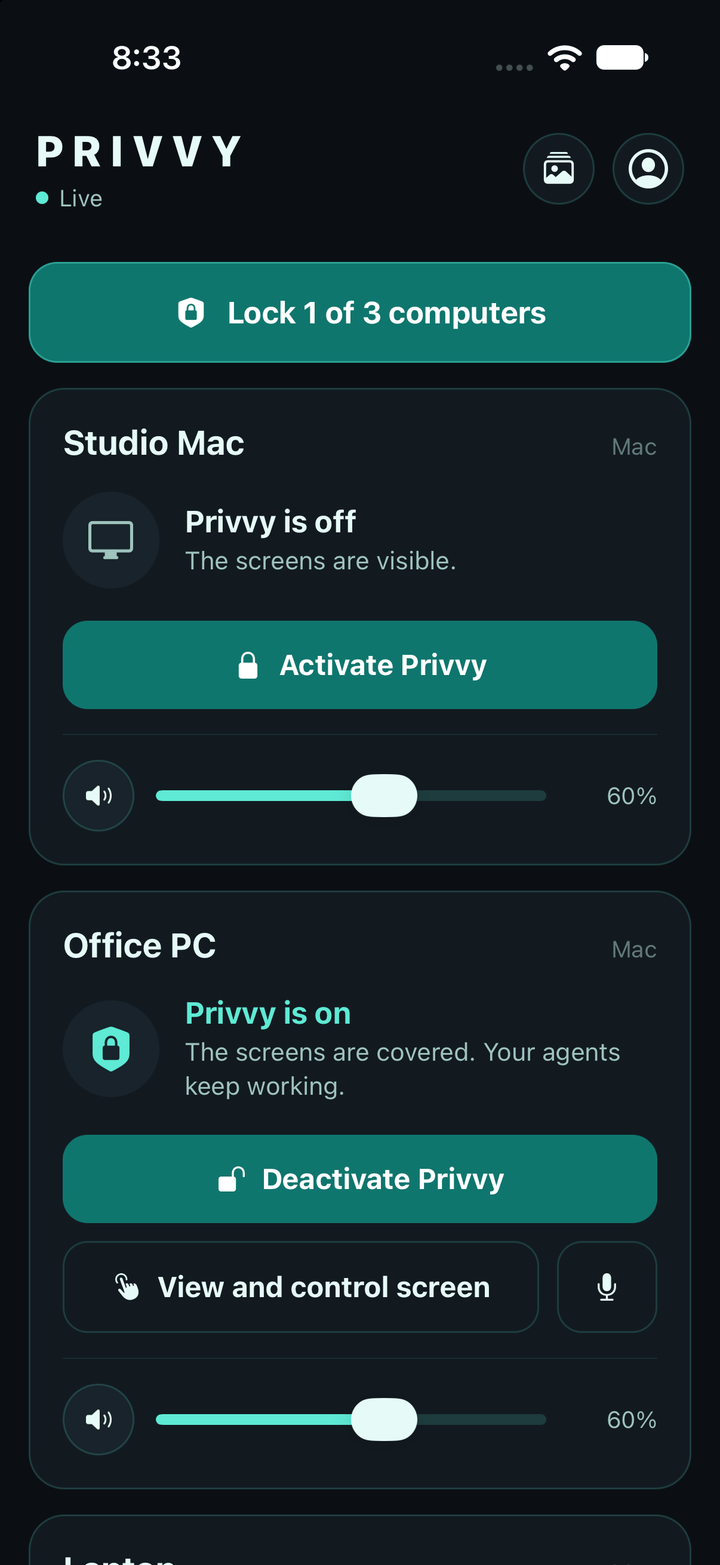
- Mute, set the volume, lock every computer with one button, dismiss the alarm, and get the camera guard's photos on your phone.
- Face ID or your passcode before viewing or controlling.
On TestFlight now, App Store soon. Sign in with the same account as Privvy on your computer.
A guard on your empty chair
- While the cover is up, Privvy can watch the webcam for someone who sits down at your machine, and save a photo of them. Or only when someone tries a password.
- Too many wrong passwords and it can lock the computer to the login screen and sound a siren that only your real password stops.
- The photo and a short clip reach your phone and Telegram within seconds. The camera light stays on whenever the camera is used; Privvy never hides that it is recording.
Private by design
Local first
The cover, the password, the camera guard and the agent API all run on your own computer. No account needed for any of it.
Account only for the phone
The phone features need a Privvy account. Your settings are encrypted on your computer before they are synced; the cloud stores only ciphertext.
Never stored
Screen frames and voice are relayed between your computer and your phone and never kept. Camera captures on the phone delete themselves after 24 hours; the originals stay on your computer.
Nothing hidden from the room
When your phone listens, the cover says so. When the camera is on, its light is on. Privvy is a privacy cover, not surveillance software.
Free during early access
Privvy is new, and early users shape it. Create your account now and you keep the founder price when the phone features go paid.
Privvy
Everything on the computer.
- Cover for every monitor
- Agents pass through
- Auto-lock, media aware
- Camera guard and alarm
- Telegram alerts
- Local agent API
Privvy Cloud
Everything from your phone. Founder price locked for early accounts.
- Live view and remote control
- Talk and listen
- Lock every computer at once
- Alarm and camera captures on your phone
- Settings that follow you to every computer
Good to know
Will Windows or macOS warn me on first launch?
Not if you install from PowerShell: paste irm https://privvyapp.ai/install.ps1 | iex and Privvy installs with no warning (the script checks the download against the published checksum first) and keeps itself updated. If you download the installer in a browser instead, SmartScreen may show "unknown publisher" because the Windows installer is not code-signed yet: click More info, then Run anyway. The macOS build is signed by Grimado Global Group LLC and notarized by Apple, so it opens normally. Checksums for every release are on the security page.
Do my AI agents really keep working behind the cover?
Yes. Privvy only draws a window and blocks the physical keyboard and mouse. It never pauses processes. Terminal, browser-automation and screenshot-based agents all keep running. You can turn agent input or agent see-through off in Settings.
Can someone at my computer tell that my phone is listening?
Yes, on purpose. The cover shows "your phone is listening through this computer" for as long as it lasts. The same goes for the camera: its light is on whenever it is used.
Does the camera guard secretly record me?
No. The camera is used only when you turn the guard on and only while the cover is up. The recording light is on the whole time, and captures are saved to a folder on your own computer (and, if you choose, sent to your phone, where they delete after 24 hours).
Does it update itself?
Yes. Privvy checks for updates and installs them by itself when nothing is going on: never while the cover is up.
What will Privvy Cloud cost?
It is free while in early access. When it goes paid, accounts created during early access keep a founder price. The computer app stays free.
Privvy is a privacy cover for your own computers. Use the camera guard and the listen feature only on devices you own or administer, and in line with the laws where you are.